


PulseWMS vs ManageWP

Website Operations vs WordPress Management
Compare PulseWMS and ManageWP for agency workflows, monitoring, reporting, and operational fit.
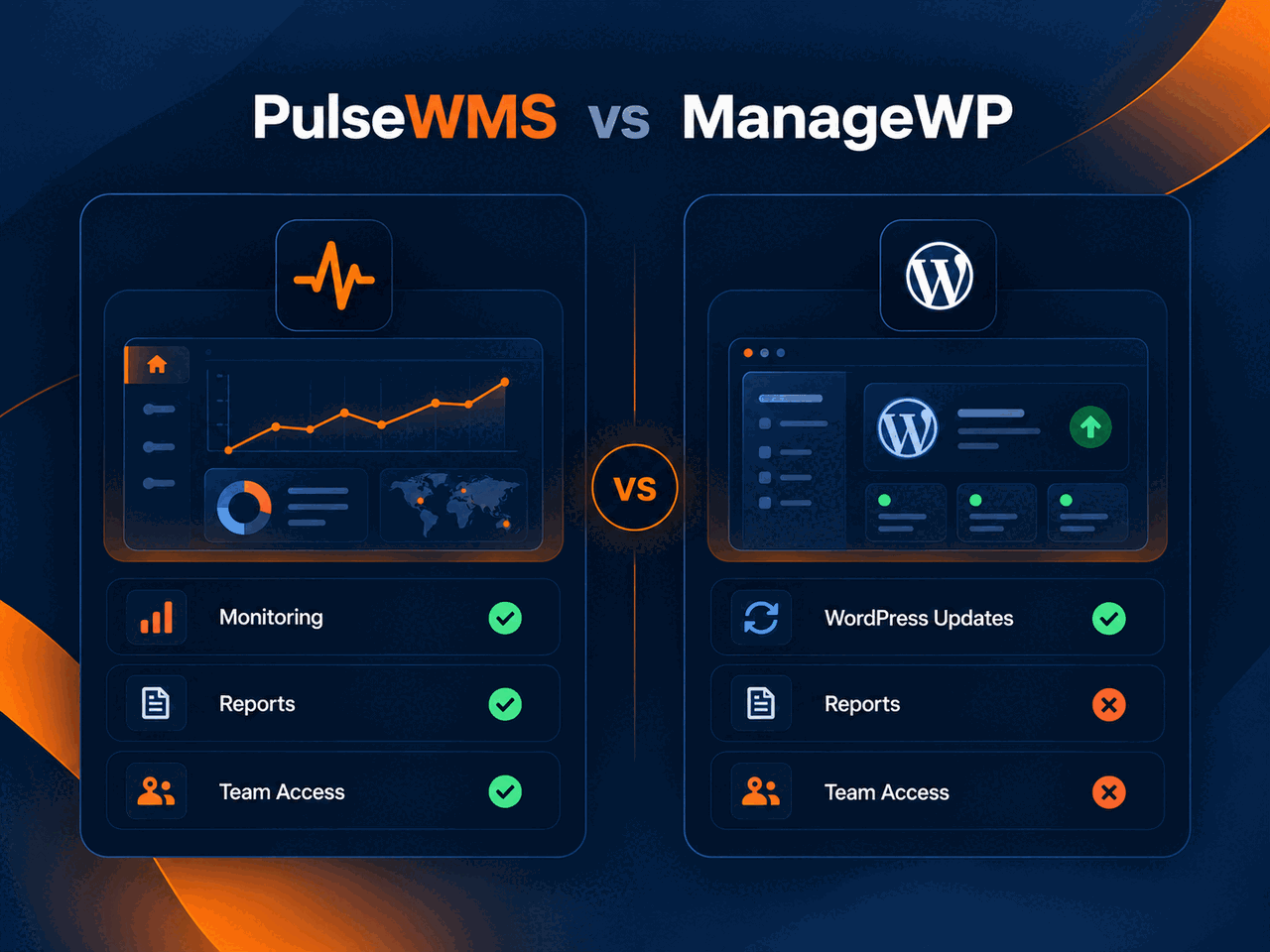
Side-by-Side
Compare the core use cases
The practical difference is what each platform is designed to help an agency operate.
PulseWMS: website operations for agencies
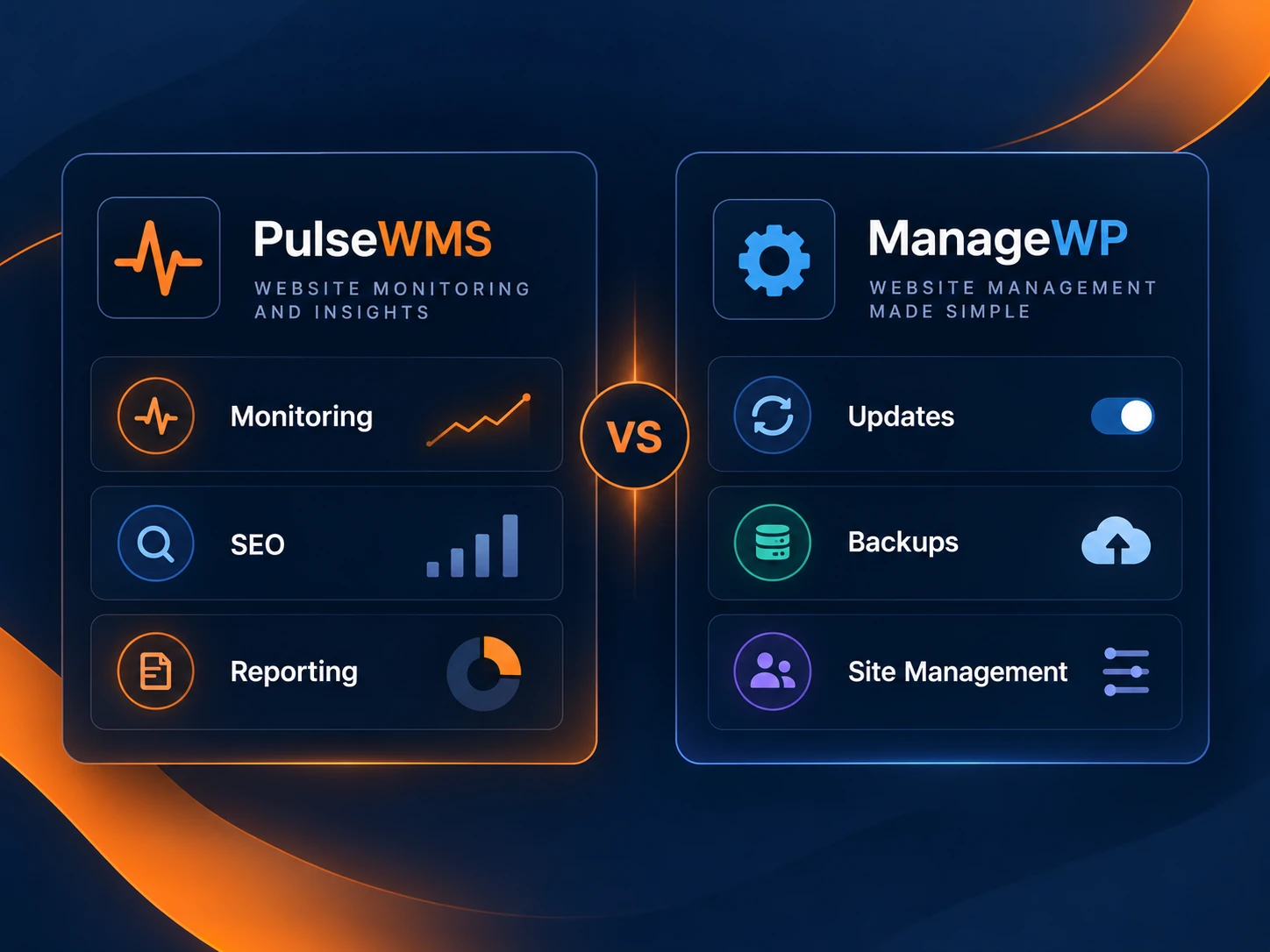
PulseWMS brings website health, technical SEO, AI-search readiness, reporting and multi-client operational visibility into one workspace.
ManageWP: its core workflow
ManageWP centers on WordPress management tasks such as updates, backups, migrations, uptime monitoring, security checks and client reports.
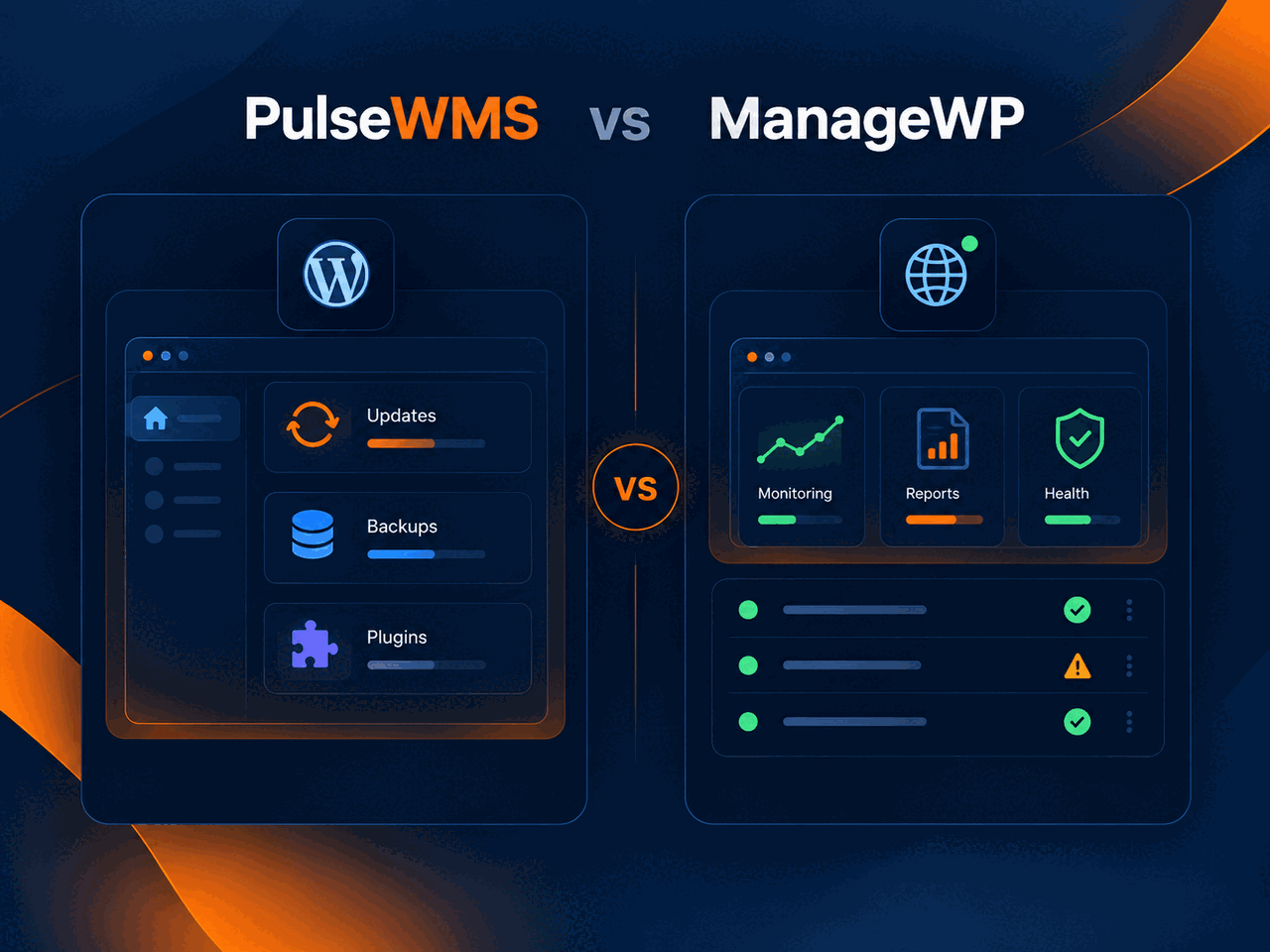
Best fit depends on your agency workflow
Compare the jobs your team needs to complete, the client context required, and how much reporting or operational follow-up should live in one platform.
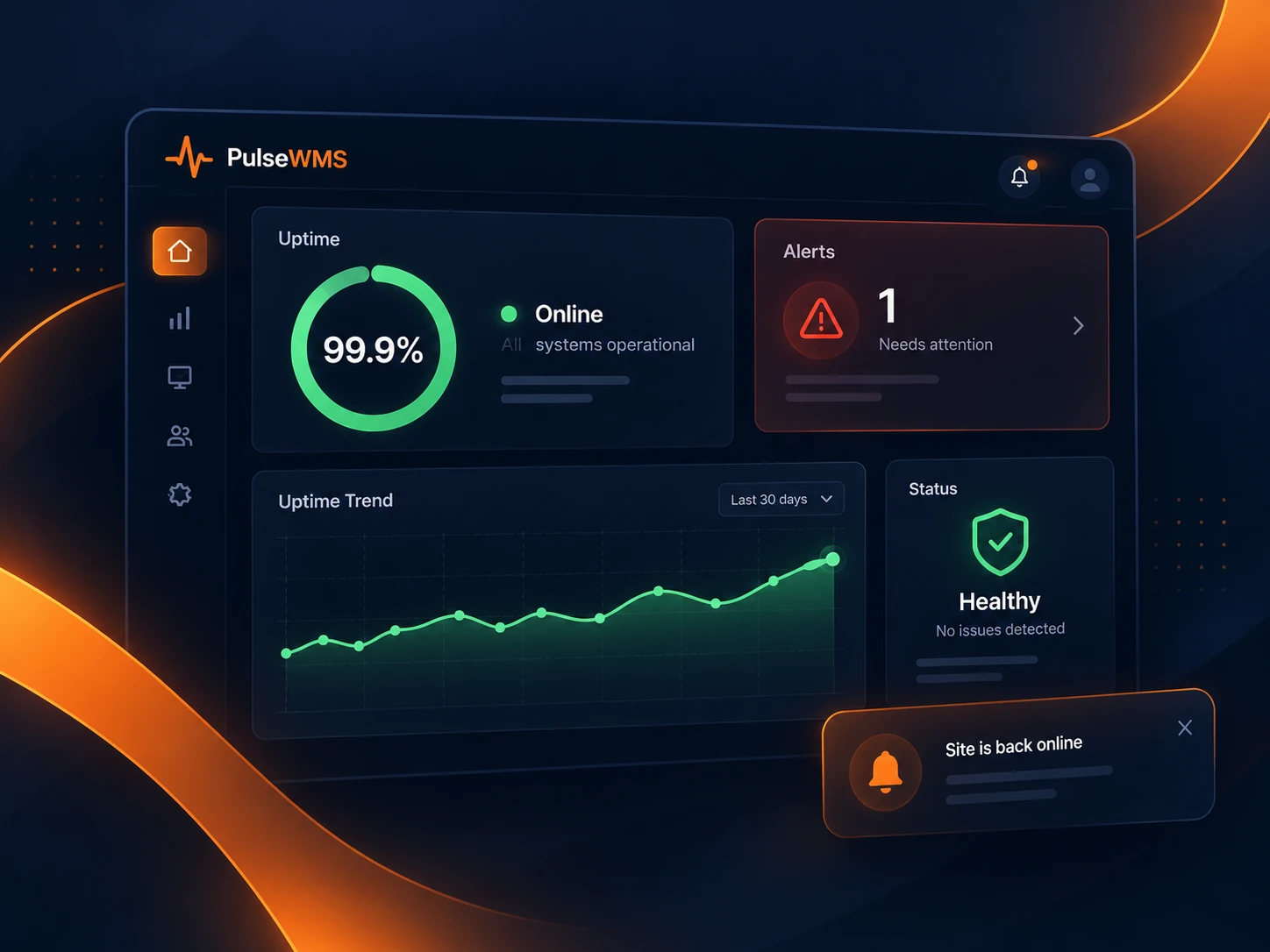
Compare by Capability
Monitor, understand, improve, report
Compare what happens after a monitoring signal is detected.

Monitor
PulseWMS monitors broader website operations; ManageWP is centered on WordPress site management.
Understand
PulseWMS adds cross-site health, technical SEO and AI-readiness context; ManageWP emphasizes maintenance and WordPress administration.
Improve
PulseWMS turns findings into agency follow-up and reporting; ManageWP helps teams maintain WordPress sites efficiently.
Report
Both support agency reporting workflows, but their underlying operational scope is different.


FAQ
PulseWMS vs ManageWP questions
Quick answers for agencies comparing these options.
Need broader website operations beyond WordPress maintenance?
Explore PulseWMS for monitoring, technical SEO, AI-search readiness and client reporting across agency website operations.