


Website Monitoring for Agencies

Monitor Every Client Website From One Organized Workspace
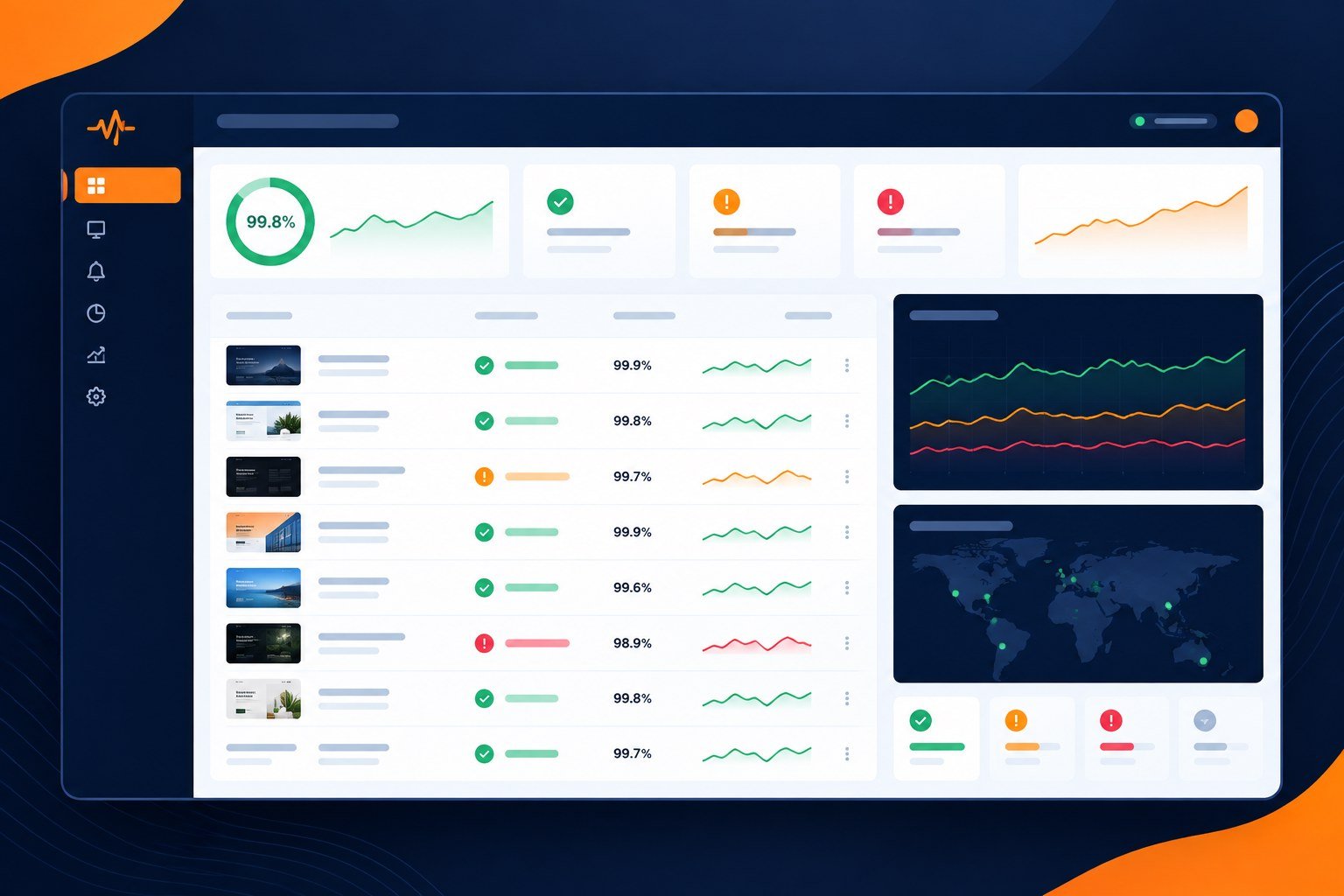
PulseWMS gives agencies a clear way to monitor multiple client websites, track uptime and website health, surface important issues, and keep client follow-up organized from one dashboard.
Built for Multi-Site Agency Operations
Managing client websites becomes harder as an agency grows. Separate uptime tools, spreadsheets, inbox alerts, reports, and follow-up notes create unnecessary operational overhead.
PulseWMS brings website monitoring into the same workspace as reporting, technical review, proposals, and client operations so your team can move from detection to action without switching between disconnected tools.
-
Multi-Site Monitoring
-
Uptime Tracking
-
Website Health Signals
-
Issue Follow-Up
-
Client Reporting
-
Agency Workspaces



Benefits
A monitoring workflow designed for agencies
See what needs attention across client websites, organize the response, and turn monitoring data into clearer client communication.
See website status at a glance
Review client site health, uptime status, alerts, and recent changes without opening a separate tool for every website.
Prioritize what needs action
Use saved monitoring signals and issue context to separate urgent problems from routine checks and follow-up work.

Keep monitoring client-ready
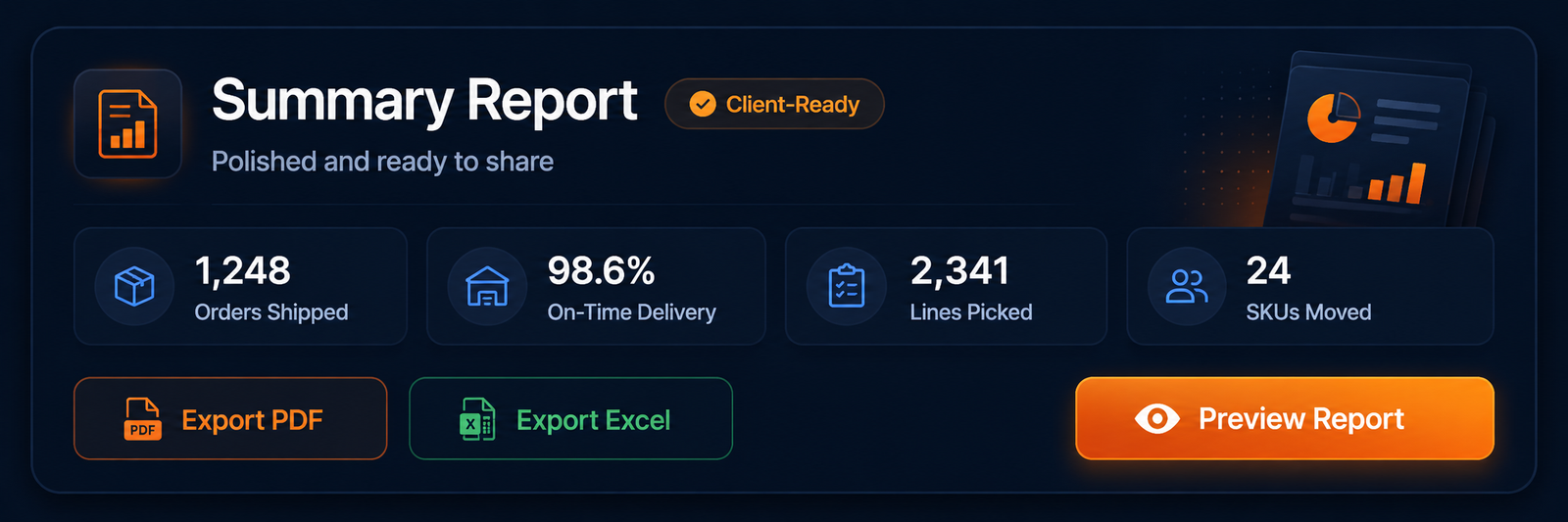
Turn technical findings into understandable updates, reports, and recommended next steps for clients.
Scale without adding tool chaos
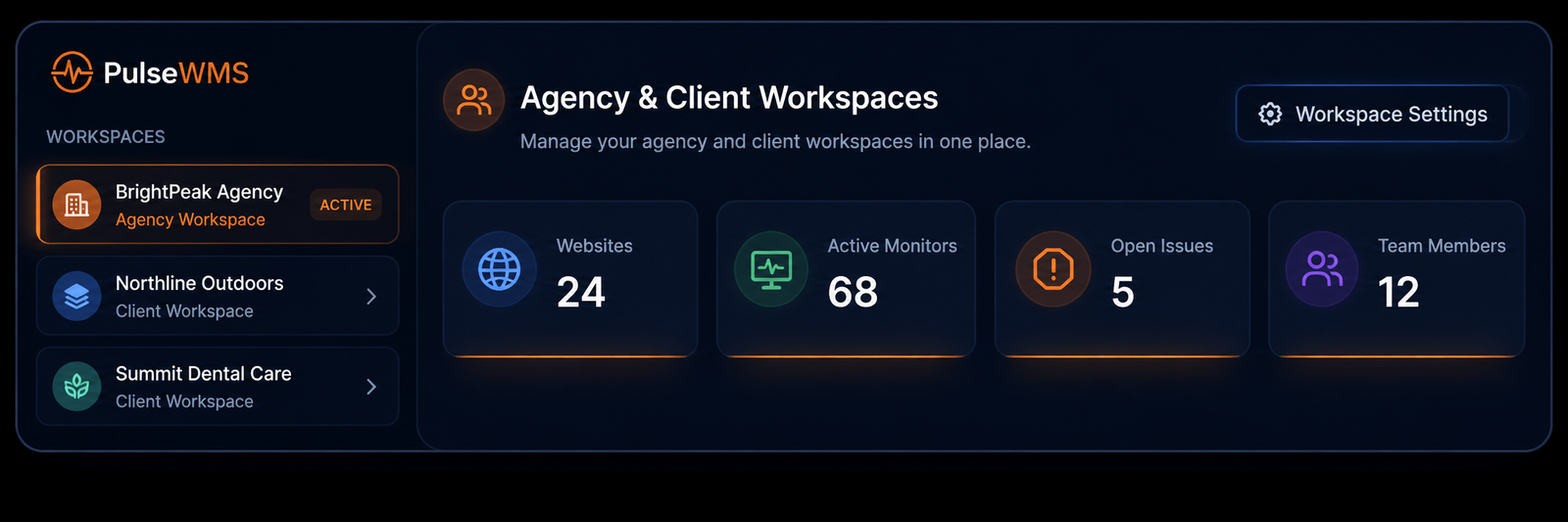
Keep website monitoring connected to workspaces, reporting, proposals, and agency follow-ups as your client list grows.
Workflow
From monitoring signal to client action
PulseWMS is built around the practical sequence agencies follow when something changes on a client website.

Detect
Capture uptime and website-health signals before they turn into long client-facing incidents.
Review
Check the saved context and understand whether the signal is urgent, technical, or simply informational.
Communicate
Turn technical monitoring data into a clear update or report a client can understand.
Follow Up
Keep recommendations, proposals, and next actions connected to the same client workspace.


FAQ
Website monitoring questions agencies ask
Clear answers for teams managing multiple client websites.
Platform Overview
A clearer way to manage website monitoring at agency scale.
Monitoring Workspace
Client Website View
Client-Ready Updates
Follow-Up Workflow
Ready to monitor client websites with more clarity?
Use PulseWMS to monitor website health, organize issues, communicate clearly, and manage client website operations from one dashboard.