

Website monitoring is more than checking whether a client site is online. Agencies also need to know when important technical, tracking, content, performance, or launch-related changes happen so the right person can investigate before a small issue becomes a client-facing problem.
This website monitoring checklist gives agencies a repeatable way to review multiple client websites without turning every alert into a full audit. It is designed for ongoing monitoring, incident triage, launch follow-up, monthly reporting, and care-plan workflows.
Quick website monitoring checklist for agencies
- ✅ Monitor uptime and availability for priority websites.
- ✅ Track HTTP errors and important page failures.
- ✅ Watch SSL, domain, and DNS signals.
- ✅ Monitor technical SEO changes that can affect crawlability or indexation.
- ✅ Review redirects, broken links, and important URL changes.
- ✅ Watch key page content and visual changes.
- ✅ Test forms and critical conversion journeys.
- ✅ Confirm analytics and conversion tracking remain active.
- ✅ Track performance and Core Web Vitals trends.
- ✅ Review important security and trust signals.
- ✅ Monitor new, removed, or unexpectedly changed pages.
- ✅ Run pre-launch and post-launch checks around major releases.
- ✅ Prioritize alerts by severity, client impact, and owner.
- ✅ Turn findings into clear client-ready updates.
- ✅ Retest every important fix before closing the issue.
1. Monitor uptime and availability
Start with the most basic question: can visitors reach the website? Agencies should monitor important client sites continuously enough to catch meaningful outages and repeated availability problems without creating unnecessary alert noise.
Record the affected website, start time, recovery time, response status, and whether the issue was isolated or repeated. A useful monitoring process should make it easy to move from detection to investigation and follow-up.
2. Track HTTP errors and important page failures
A website can be technically online while important pages return 404, 410, 500, 502, or 503 responses. Monitor high-value URLs such as homepages, service pages, landing pages, checkout or signup paths, and other business-critical pages.
Not every 404 is urgent. Prioritize failures based on traffic, conversion value, internal links, backlinks, and client importance.
3. Watch SSL, domain, and DNS signals
Certificate, DNS, and domain problems can create downtime or browser trust warnings even when the website content itself has not changed. Agencies should keep these operational signals visible alongside standard uptime monitoring.
For retained clients, this is especially useful because renewals, migrations, nameserver updates, CDN changes, and hosting moves can introduce problems outside the CMS.
4. Monitor technical SEO changes
Important SEO signals can change during routine content or development work. Watch for unexpected changes to titles, canonicals, robots directives, indexability, sitemap behavior, structured data, and other technical elements on priority pages.
This does not replace a full technical SEO audit. Instead, it helps agencies detect changes between audits. For a deeper review, use the Technical SEO Checklist for Agencies and the Technical SEO Monitoring for Agencies workflow.
5. Review redirects, broken links, and URL changes
Redirects and internal links often break after page edits, migrations, redesigns, campaign changes, or content cleanup. Monitor important URL paths and check whether key old URLs still resolve to useful current destinations.
Pay special attention to redirect chains, loops, links to removed pages, and old URLs that still receive traffic or backlinks.
6. Watch key page content and visual changes
Some of the most important client-facing problems are visual rather than server-level. A page can remain online while a hero section disappears, pricing changes unexpectedly, a CTA is removed, or a layout breaks after an update.
Use visual-change evidence where appropriate so the team can compare what changed instead of relying only on a generic alert.
7. Test forms and critical conversion journeys
Lead forms, booking forms, checkout flows, signup journeys, and other conversion paths can fail even when the page loads normally. Agencies should include important forms and journeys in their monitoring or recurring QA process.
Confirm both the visible form behavior and the downstream result where possible: success message, email notification, CRM handoff, booking confirmation, or other expected outcome.
8. Confirm analytics and conversion tracking
Tracking can stop after plugin changes, consent updates, theme edits, domain changes, form replacements, or tag configuration changes. Monitor whether the expected analytics property is still receiving data and whether meaningful conversion events remain measurable.
Use one clear reporting source of truth and avoid duplicate tracking. If two tools report different numbers, investigate the implementation rather than assuming both are correct.
9. Track performance trends
Performance issues often develop gradually as new images, scripts, plugins, tracking tags, and page-builder sections are added. Monitor important templates for meaningful slowdowns instead of treating performance as a one-time launch task.
Use field data where available and review Core Web Vitals alongside obvious operational causes such as oversized images, heavy third-party scripts, or slow server responses.
10. Review security and trust signals
Website monitoring should also surface practical trust problems such as certificate warnings, unexpected redirects, suspicious page changes, broken security headers where relevant, or other visible signals that may affect client confidence.
This is not a replacement for a dedicated security platform. The goal is to make important operational trust signals visible to the agency team responsible for the website.
11. Monitor new, removed, or unexpectedly changed pages
Agencies managing active websites should know when important pages are added, removed, or changed outside the agreed workflow. New pages can create duplicate search intent, thin content, broken navigation, or unreviewed conversion paths.
Removed pages can also create broken links and lost traffic if redirects are not handled correctly. Keep a lightweight record of meaningful URL changes so the team can investigate quickly.
12. Run pre-launch and post-launch checks
Major releases deserve a tighter monitoring window. Before launch, capture the current state of important URLs, redirects, metadata, canonicals, analytics, forms, and other high-risk signals. After launch, compare the live site against that baseline.
This is especially important for redesigns, migrations, domain changes, platform changes, and major template updates.
13. Prioritize alerts by severity and owner
A monitoring system becomes difficult to use when every signal is treated as urgent. Group alerts into practical levels such as critical, high, medium, and informational, then assign an owner and next action.
- Critical: outage, broken revenue journey, severe launch issue, or major indexation problem.
- High: important page or tracking failure with meaningful business impact.
- Medium: limited-scope issue that should be scheduled and reviewed.
- Informational: a change worth recording but not requiring immediate action.
14. Turn findings into client-ready updates
Monitoring has more value when the agency can explain what happened, why it matters, and what should happen next. Avoid sending clients raw alert dumps or technical warnings without context.
Use clear summaries, evidence, severity, ownership, and recommended next steps. The Client Reporting Software for Agencies page explains how monitoring and saved website signals can feed client-ready reporting.
15. Retest every important fix
Do not close a monitoring issue just because a ticket says the work was completed. Recheck the original signal and confirm the live website now behaves as expected.
Retesting is especially important for redirects, forms, analytics, canonicals, robots directives, SSL, launch defects, and other issues where a partial fix can create a false sense of completion.
Recommended monitoring rhythm for agencies
A practical monitoring schedule depends on client risk and website complexity, but a simple agency rhythm can look like this:
- Continuous: uptime, critical availability, SSL, and severe operational failures.
- Daily or frequent: important alerts, high-risk site changes, major form failures, and launch monitoring.
- Weekly: review unresolved alerts, performance movement, technical changes, and client-impacting issues.
- Monthly: summarize trends, recurring issues, fixes, and recommendations for retained clients.
- Before and after launches: run focused QA against a known baseline.
Website monitoring versus website maintenance
Monitoring and maintenance are related, but they are not the same job. Monitoring tells the agency what changed, what failed, or what needs attention. Maintenance is the work used to prevent, repair, update, and improve the website.
If you need the broader recurring maintenance process, use the Website Maintenance Checklist for Agencies. For a monitoring-focused workflow across multiple clients, see Website Monitoring for Agencies and Client Website Monitoring for Agencies.
Turn the checklist into a repeatable agency workflow
The biggest advantage comes from consistency. Use the same monitoring categories, severity levels, ownership rules, evidence standards, and retest process across every retained client website.
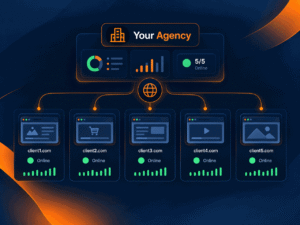
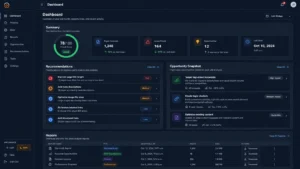
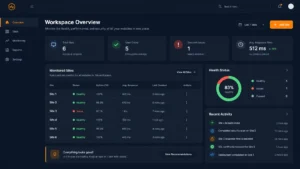
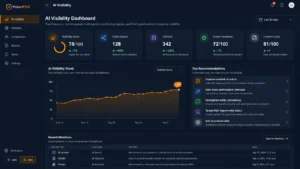
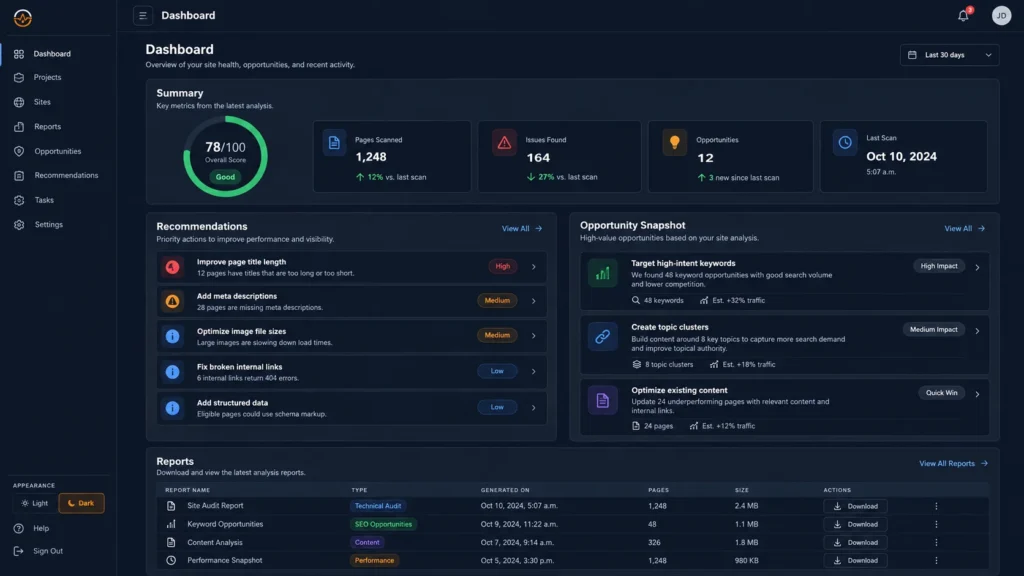
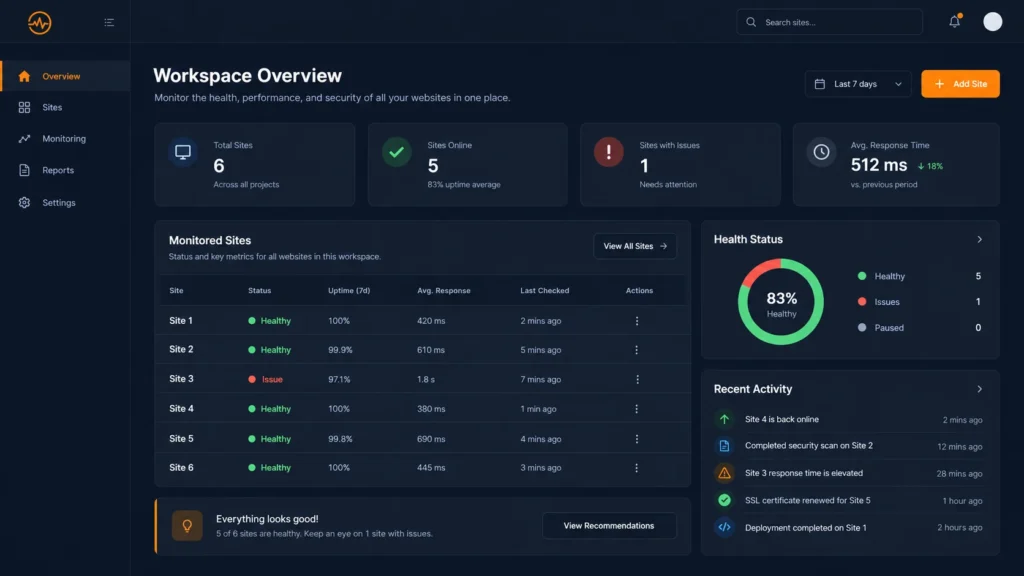
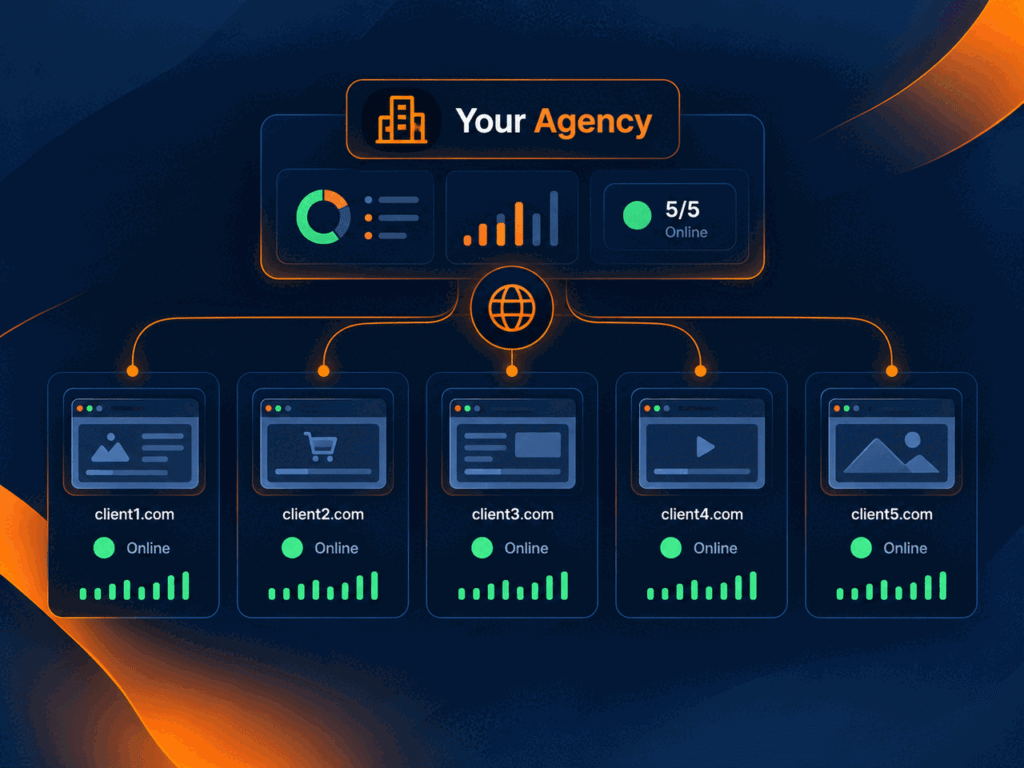
PulseWMS is designed around this website-operations workflow: monitor client websites, review website-health and technical signals, organize issues, preserve evidence, and connect findings to reporting and follow-up from one agency workspace.
Website monitoring checklist FAQ
What should agencies monitor on client websites?
At minimum, agencies should monitor uptime, important page failures, SSL and DNS signals, technical SEO changes, key forms, analytics tracking, performance, major page changes, and post-launch issues relevant to the client relationship.
How is website monitoring different from uptime monitoring?
Uptime monitoring focuses on whether a service is reachable. Website monitoring can include uptime plus website health, technical changes, forms, tracking, performance, visual changes, and client follow-up.
How often should agencies review website monitoring alerts?
Critical alerts should be reviewed as soon as practical. Lower-severity findings can be grouped into daily, weekly, or monthly workflows depending on the client agreement and business impact.
Should every website change create an alert?
No. Monitoring should focus on meaningful changes and high-value pages. Excessive low-value alerts create noise and make important incidents harder to spot.
Next step
Use this checklist to define what your agency monitors for each client, who owns each alert type, and what evidence is required before an issue is closed. Then connect monitoring findings to a clear client communication and retest process.