

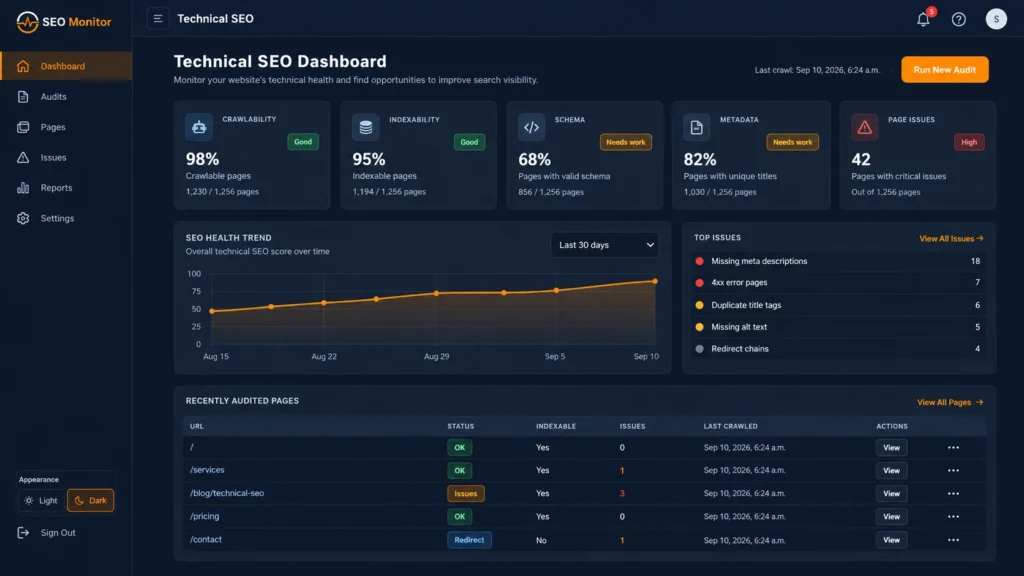
Technical SEO becomes harder when an agency manages many client websites at once. A single site may have a few crawl or indexing issues, but across a portfolio those small problems can become missed redirects, duplicate pages, broken canonicals, stale sitemaps, slow templates, or tracking gaps that quietly affect search visibility.
This technical SEO checklist gives agencies a repeatable way to review client websites without turning every audit into a full rebuild. Use it for onboarding, monthly maintenance, pre-launch QA, post-launch validation, and recurring website health reviews.
Quick technical SEO checklist for agencies
- 🌐 Confirm the preferred domain, HTTPS, and canonical URL format.
- 🔎 Check that important pages are crawlable and indexable.
- 🤖 Review robots.txt for accidental blocking.
- 🗺️ Validate XML sitemaps and remove stale or unwanted URLs.
- 🔗 Check canonical tags on key templates and duplicate URL variants.
- ↪️ Review redirects, chains, loops, and broken destination URLs.
- 🚦 Find 4xx and 5xx responses on important pages.
- 📝 Confirm titles, meta descriptions, and H1 structure on priority pages.
- 🧭 Review internal links to important commercial and informational pages.
- 🕸️ Check orphaned or weakly linked pages.
- 🧩 Validate structured data where it is actually relevant.
- ⚡ Review Core Web Vitals and obvious performance bottlenecks.
- 📱 Check mobile rendering and responsive usability.
- 🖼️ Review image size, loading behavior, and alt text.
- 📊 Confirm analytics and conversion tracking are still firing.
- 🔒 Check SSL, DNS, domain, and email-authentication signals where they affect operations.
- 🧪 Review staging, duplicate, parameter, and test URLs for indexation risk.
- 🚀 Validate post-launch changes against a known baseline.
- 🎯 Document issues by severity, owner, and next action.
- ✅ Retest fixes instead of assuming they worked.
1. Confirm the preferred domain and HTTPS version
Start with the version of the website that should be treated as primary. Confirm whether the site consistently resolves to the intended HTTPS hostname and whether alternate versions redirect cleanly. Common variants include HTTP versus HTTPS, www versus non-www, trailing-slash differences, and old staging or development hosts.
Agencies should record the preferred version during onboarding so future checks have a stable reference point. This also makes redirect and canonical problems easier to spot after redesigns, migrations, or hosting changes.
2. Check crawlability and indexability
A page cannot rank if search engines cannot access or index it. Review the most important landing pages, service pages, resources, and conversion pages for accidental noindex directives, authentication barriers, blocked resources, or robots rules that prevent crawling.
Do not treat every excluded URL as an error. Thank-you pages, account areas, internal search results, duplicate filters, and private application pages may be intentionally excluded. The goal is to confirm that each URL has the indexation state you actually want.
3. Review robots.txt
Check the robots.txt file for broad disallow rules, old staging directives, or paths that block assets needed for rendering. A robots.txt rule controls crawling; it is not a reliable substitute for a page-level noindex directive when the goal is to keep a URL out of search.
For agencies, robots.txt deserves special attention after migrations and launches because temporary staging rules are easy to carry into production.
4. Validate the XML sitemap
The sitemap should contain canonical, indexable URLs that matter to the site. Remove dead, redirected, duplicated, parameterized, or intentionally noindexed URLs. Check that the sitemap loads correctly, returns a successful response, and is submitted in Google Search Console.
For WordPress websites, an SEO plugin can usually maintain the sitemap automatically, but agencies should still verify the output after plugin changes, migrations, taxonomy changes, or large content updates.
5. Check canonical tags
Canonical tags help consolidate duplicate or near-duplicate URLs around the preferred version. Review key templates and any URL families created by filters, parameters, pagination, faceted navigation, or alternate paths.
Canonical signals work best when they agree with redirects, internal links, and sitemap URLs. A page that declares one canonical while the sitemap and internal links consistently point somewhere else creates unnecessary ambiguity.
6. Audit redirects, chains, and loops
Redirects are normal during redesigns and migrations, but long redirect chains slow users and crawlers and make maintenance harder. Important old URLs should normally resolve through a direct redirect to the best current destination.
Watch for loops, redirects to irrelevant pages, HTTPS chains, and old campaign URLs that have accumulated several hops over time. Include redirect checks in both pre-launch and post-launch QA.
7. Find broken and server-error URLs
Review important pages for 404, 410, 500, 502, 503, and other unexpected responses. Prioritize URLs that receive organic traffic, have backlinks, appear in navigation, or are linked from important pages.
Not every 404 needs a redirect. If a page was intentionally removed and there is no useful replacement, a clean 404 or 410 can be better than sending visitors to an unrelated destination.
8. Validate titles, descriptions, and headings
Technical SEO is not only server configuration. Page templates can accidentally create duplicate titles, missing descriptions, multiple primary headings, or headings that do not reflect search intent. Review priority pages rather than chasing every minor warning across low-value URLs.
For agency portfolios, it helps to maintain a keyword-to-page map so new landing pages and resources do not compete with pages that already target the same intent.
9. Strengthen internal linking
Important pages should not depend on the sitemap alone for discovery. Link them naturally from relevant navigation, service pages, resources, help content, and related articles. Internal links help users move through the site and help search engines understand relationships between pages.
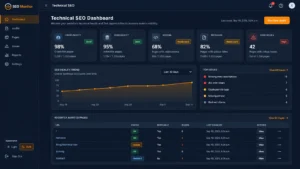
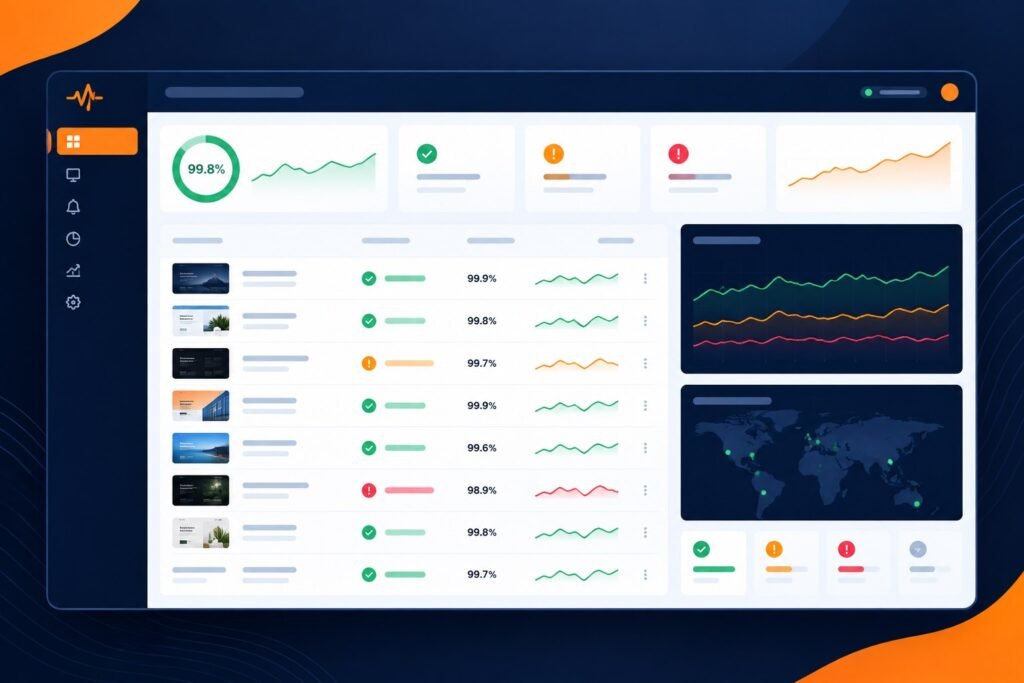
For PulseWMS, agencies can combine website monitoring with technical SEO monitoring so important website-health signals and search issues are reviewed within the same operating workflow.
10. Find orphaned and weakly linked pages
A page can exist in the sitemap while still being difficult to discover through normal site navigation. Identify useful pages with few or no internal links, especially recently published commercial pages, guides, comparison pages, and evergreen resources.
Before creating a new page, also check whether an existing page already serves the same intent. Improving and linking a strong existing page is often better than creating a thin near-duplicate.
11. Validate structured data
Use structured data only where it accurately represents the visible page content. Validate important markup with Google’s Rich Results Test and fix critical errors. Avoid adding schema simply because a plugin offers it; the markup should match the actual page type and content.
Article, breadcrumb, organization, software, product, review, and other schema types have different eligibility requirements. For agency sites, accuracy matters more than the number of schema types added.
12. Review Core Web Vitals and performance
Check real-user performance data where available, then use lab tools to investigate obvious problems. Large images, render-blocking assets, heavy page-builder sections, third-party scripts, and slow hosting responses are common causes of poor performance.
Do not chase a perfect lab score at the expense of the website’s function. Prioritize issues that affect real users, important templates, mobile visitors, and conversion pages.
13. Test mobile rendering
Review important templates on real mobile widths. Check navigation, sticky elements, forms, tables, buttons, modal windows, and content that may overflow or become inaccessible. Technical SEO checks should include usability because a technically indexable page can still provide a poor search experience.
14. Review images and media
Compress oversized images, use descriptive alt text where appropriate, and confirm important images load reliably. Avoid using huge desktop assets when a much smaller file would look identical at the rendered size.
For recurring agency maintenance, image checks are especially useful after clients upload new content without following optimization guidelines.
15. Confirm analytics and conversion tracking
A technically healthy site can still create reporting problems if analytics stops working after a theme, consent, plugin, domain, or form change. Confirm that the correct analytics property is receiving data and that meaningful actions such as lead forms, signup CTAs, demo requests, or application flows are measurable.
Keep one clear source of truth for reporting. If multiple plugins or tag systems are installed, verify that they are not sending duplicate pageviews or duplicate conversion events.
16. Review SSL, DNS, and operational signals
Technical website maintenance often overlaps with SEO operations. Expiring certificates, DNS mistakes, domain changes, or email-authentication issues can create downtime, trust problems, and broken workflows even if they are not traditional on-page SEO factors.
A broader website maintenance checklist for agencies can help teams connect technical SEO with uptime, security, reporting, and ongoing client operations.
17. Check staging, test, and duplicate environments
Search for staging subdomains, temporary hosts, development copies, old migrations, and test pages that may be publicly crawlable. These environments can create duplicate content, expose unfinished work, or confuse canonical signals if they are left accessible.
Before launch, confirm that production is crawlable and staging remains appropriately restricted. After launch, verify the live URLs again rather than assuming deployment preserved the intended settings.
18. Run pre-launch and post-launch QA
Large SEO losses often happen during a release, not during normal maintenance. Before launch, capture the current titles, canonicals, robots directives, redirects, analytics, structured data, and important URL mappings. After launch, compare the live site against that baseline.
This makes it easier to separate new problems from issues that already existed and gives the agency a clear retest workflow.
19. Prioritize issues instead of sending a warning dump
A useful technical SEO audit should tell the team what matters first. Group findings by business impact and confidence. A simple model is:
- Critical: blocks crawling, indexing, revenue, or a major user journey.
- High: affects important templates, rankings, or many URLs.
- Medium: meaningful issue with limited scope.
- Low: cleanup, polish, or informational warning.
Then assign an owner, expected fix, and retest status. This turns the audit into an operating process rather than a static PDF.
20. Retest every important fix
Do not close an issue simply because a ticket says it was fixed. Recheck the live URL, response code, rendered markup, tracking event, or Search Console state that originally triggered the issue. Retesting is especially important for redirects, canonical tags, robots rules, schema, analytics, and post-launch defects.
How often should agencies run technical SEO checks?
There is no single frequency for every website. High-change ecommerce, publishing, SaaS, and lead-generation sites may need continuous monitoring plus scheduled reviews. Smaller brochure sites may need less frequent deep audits, but uptime, SSL, major technical changes, and analytics failures still benefit from ongoing monitoring.
A practical agency rhythm is continuous monitoring for high-risk signals, a monthly technical review for retained clients, and a focused pre-launch/post-launch audit whenever a redesign, migration, domain change, or major release occurs.
Turn the checklist into an agency workflow
The biggest improvement is not adding more audit checks. It is making the same important checks repeatable across every client website. A consistent workflow should preserve evidence, identify what changed, prioritize issues, assign follow-up work, and confirm fixes.
PulseWMS is built around that operating model. Agencies can use technical SEO monitoring for agencies, client reporting, and AI visibility monitoring as connected parts of the wider website-operations process instead of treating each review as a separate spreadsheet.
Technical SEO checklist FAQ
What should be included in a technical SEO audit?
A strong technical SEO audit should cover crawlability, indexability, robots directives, sitemaps, canonicals, redirects, HTTP status codes, internal linking, structured data, performance, mobile rendering, analytics, and the technical risks created by staging or website changes.
Should every technical SEO warning be fixed?
No. Prioritize warnings by business impact, affected URLs, search intent, and whether the issue changes what users or search engines can access. Low-value warnings should not distract the team from crawl, indexation, migration, performance, or conversion problems.
How is technical SEO monitoring different from a one-time audit?
An audit is a snapshot. Monitoring looks for changes over time, such as new noindex tags, broken redirects, downtime, modified titles, lost tracking, or sitemap changes. Agencies that maintain client sites usually need both.
What should agencies check after a website launch?
Recheck redirects, canonicals, robots directives, sitemap URLs, analytics, structured data, HTTPS behavior, key forms, priority landing pages, and any URL mappings created for the launch. Compare the live result with the pre-launch baseline and retest important fixes.
Next step
If your team manages multiple client websites, use this checklist as a repeatable review process rather than a one-off audit. Start with the highest-impact issues, document what changed, and connect each finding to a clear next action for the client.