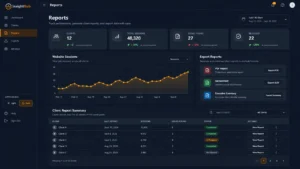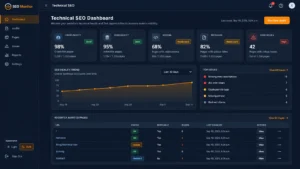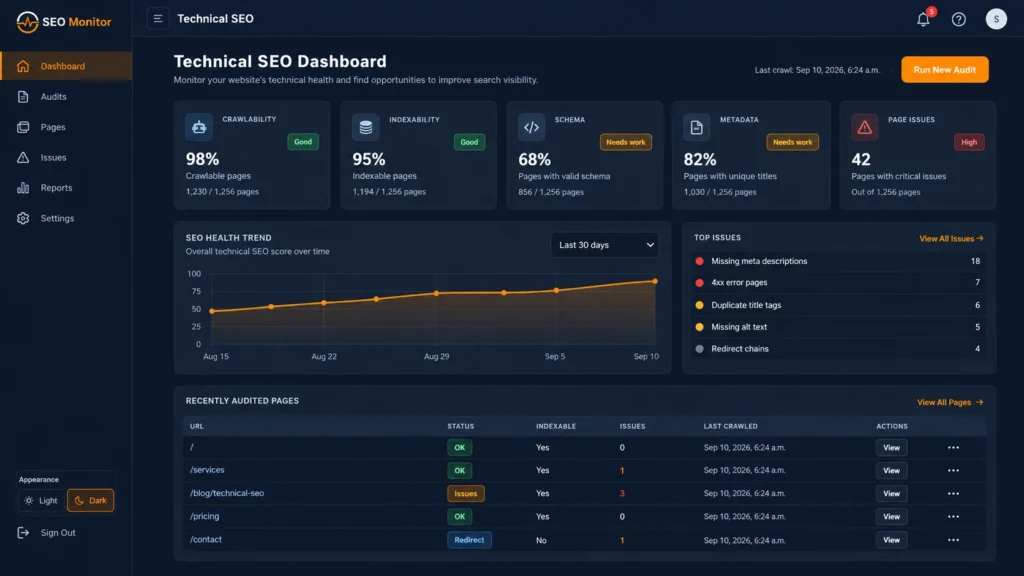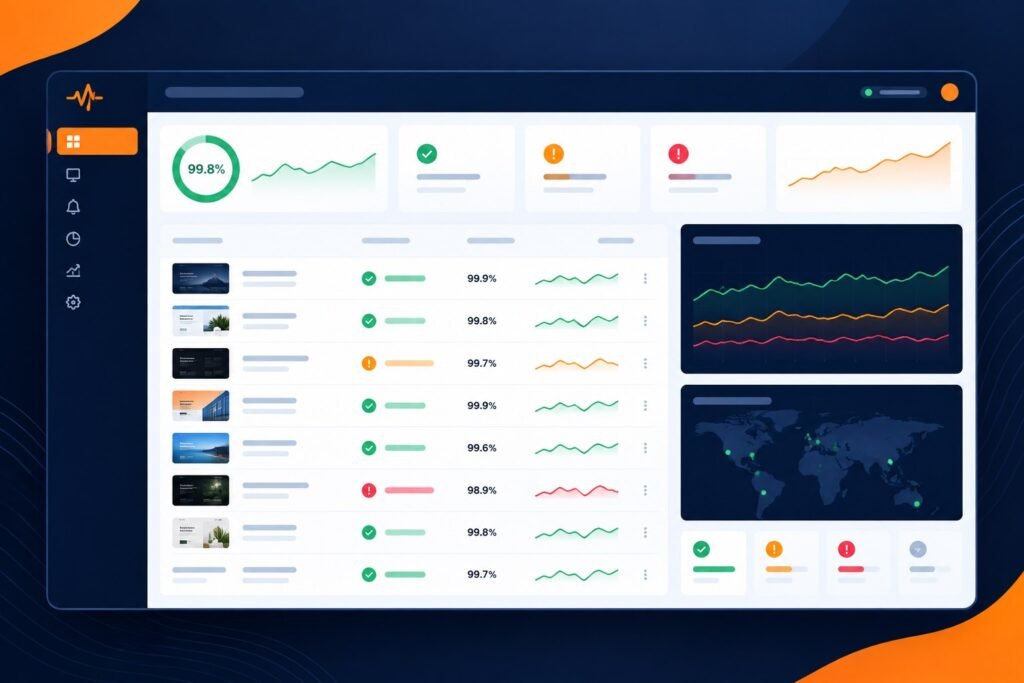


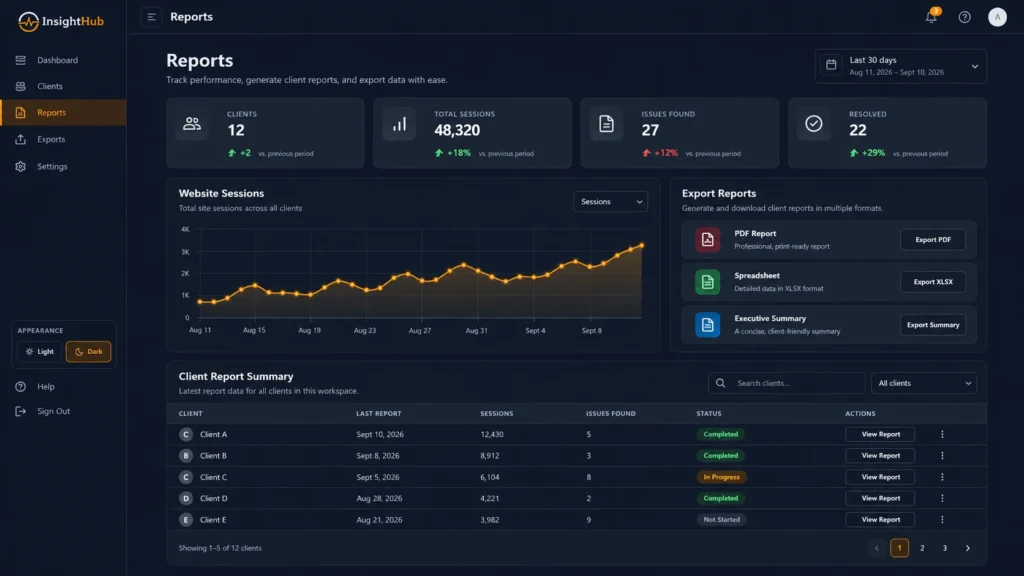
Clients rarely need a raw dump of uptime alerts, crawl errors, Core Web Vitals, broken links, tracking events, and security checks. They need a clear answer to three questions: what changed, what matters, and what should happen next.
This client website health report guide gives agencies a repeatable structure for turning website operations data into a concise report that clients can understand and act on. It works for monthly retainers, website care plans, SEO programs, launch follow-ups, and multi-site account management.
What is a client website health report?
A website health report is a client-facing summary of the technical and operational condition of a website over a defined period. A useful report combines monitoring evidence with context, priorities, and recommended actions instead of listing every warning equally.
For agencies, the report should bring together the signals that matter most to the client relationship: availability, technical SEO, performance, security, tracking, content discoverability, launch issues, and measurable changes since the previous review.
What should an agency include in a website health report?
- ✅ Executive summary with the most important changes and risks.
- ⏱️ Uptime and availability status.
- 🔎 Technical SEO and indexability issues.
- ⚡ Performance and Core Web Vitals context.
- 🔒 SSL, DNS, security, and configuration signals.
- 📊 Analytics and conversion tracking checks.
- 🤖 AI-search and visibility observations where relevant.
- 🧭 Prioritized recommendations with owner and next action.
- 📈 Progress compared with the previous period or baseline.
1. Start with an executive summary
The first section should be understandable without opening any chart. Summarize the website’s overall condition in a few sentences and call out only the items that need attention.
A strong summary might say that the site remained available, technical SEO stayed stable, one tracking issue was fixed, and two new opportunities were identified. This gives the client a useful narrative before they see the supporting detail.
2. Report uptime and availability clearly
Clients care about whether their website was reachable and whether downtime affected customers. Show availability in a simple way: uptime percentage, meaningful incidents, duration, and current status.
Avoid inflating the report with harmless one-off checks. If an incident was caused by planned maintenance or a short provider interruption, explain that context. For ongoing monitoring workflows, see website monitoring for agencies.
3. Explain technical SEO findings by impact
Technical SEO sections should focus on issues that can affect crawling, indexing, relevance, or search visibility. Typical checks include robots directives, XML sitemaps, canonical tags, redirects, response codes, titles, headings, internal links, and structured data.
Separate critical issues from recommendations. A blocked service page is not the same priority as a slightly long meta description. Agencies can use a repeatable technical SEO checklist for agencies to keep these reviews consistent.
4. Put performance metrics in context
Performance data becomes useful when the client can see what changed and why it matters. Highlight mobile experience, major Core Web Vitals movements, slow templates, oversized assets, or significant third-party script impact.
Do not turn a client report into a lab-score competition. If a page still converts well and the main issue is a minor score fluctuation, say so. Prioritize performance problems that affect real users, important landing pages, or conversion paths.
5. Include security, SSL, DNS, and configuration signals
A website operations report should include basic trust and configuration checks that can become client-facing problems if ignored. Examples include HTTPS availability, certificate status, DNS changes, email authentication, exposed staging areas, and unexpected redirects.
Only surface issues that you can explain. A client report should not create fear from low-confidence scanner warnings. If a signal needs deeper investigation, label it as a review item rather than a confirmed security incident.
6. Confirm analytics and conversion tracking
Reporting is unreliable if the underlying measurement stopped working. Include a short validation that analytics is receiving traffic and that important events or form submissions are still being recorded.
For lead-generation websites, common high-intent actions include contact forms, demo requests, signup links, pricing CTAs, and application or scan starts. If tracking changed during the month, document when it changed so the client understands any reporting discontinuity.
7. Add AI-search readiness only when it is useful
AI visibility is becoming part of website operations for many agencies, but it should not be presented as a guaranteed ranking or citation score. Useful observations include crawlability, clear entity information, structured content, authoritative first-party evidence, brand consistency, and whether AI referrals or citations are being observed.
For teams actively working on this area, connect the report to your AI visibility monitoring workflow rather than treating it as a disconnected audit.
8. Show progress, not just problems
A report should demonstrate work completed as well as issues discovered. Include fixes made, items retested, health improvements, resolved alerts, and notable opportunities completed during the period.
This is especially important for recurring retainers. If every monthly report only shows a new list of problems, the client may not see the value of the maintenance work that prevented or resolved issues between meetings.
9. Prioritize recommendations
End the diagnostic section with a short action list. A simple priority model works well:
- Critical: availability, security, indexability, broken conversion paths, or major launch failures.
- High: issues likely to affect important search or business outcomes.
- Medium: improvements with useful impact but no immediate risk.
- Low: cleanup, polish, or backlog opportunities.
For each item, include the issue, expected impact, owner, and next action. This turns the report into an operating document instead of a static PDF.
10. Keep the report client-ready
Use plain language, short explanations, and screenshots or evidence only where they help the client make a decision. Avoid unexplained acronyms and raw scanner terminology.
A consistent report structure also makes agency delivery easier. The same data can support client reviews, renewal conversations, maintenance plans, and follow-up proposals. See client reporting software for agencies for the reporting side of that workflow.
A practical monthly website health report structure
- Executive summary.
- Overall health and key changes.
- Uptime and availability.
- Technical SEO.
- Performance and user experience.
- Security and configuration.
- Analytics and conversions.
- AI-search observations, if relevant.
- Completed work and retests.
- Prioritized next actions.
How PulseWMS supports the workflow
PulseWMS is designed around ongoing website operations for agencies. Teams can review website health, uptime, technical SEO, tracking, AI-search readiness, and related findings, then turn those findings into client-ready reports and follow-up opportunities from one workspace.
The goal is not to replace agency judgment. It is to reduce fragmented checking and make recurring client reviews easier to run consistently across many websites.
Frequently asked questions
How often should an agency send a website health report?
Monthly works well for many maintenance and SEO retainers. Higher-risk websites may need weekly operational summaries, while stable sites may only need a quarterly strategic review.
Should every monitoring alert appear in the client report?
No. Include alerts that affected the site, required action, or reveal a meaningful trend. Internal operational noise should stay internal.
What is the difference between an SEO report and a website health report?
An SEO report focuses on search performance and optimization. A website health report is broader and can include availability, technical SEO, performance, security, tracking, launch QA, and operational changes.
Should agencies give clients a health score?
A score can make a report easier to scan, but it should never replace the underlying evidence. Explain what the score represents and show the important issues behind it.
Final takeaway
The best website health reports are short enough to read, detailed enough to trust, and specific enough to act on. Use consistent checks, compare against a baseline, prioritize findings, and show progress from one reporting period to the next.
For a broader recurring maintenance workflow, also use the website maintenance checklist for agencies.