

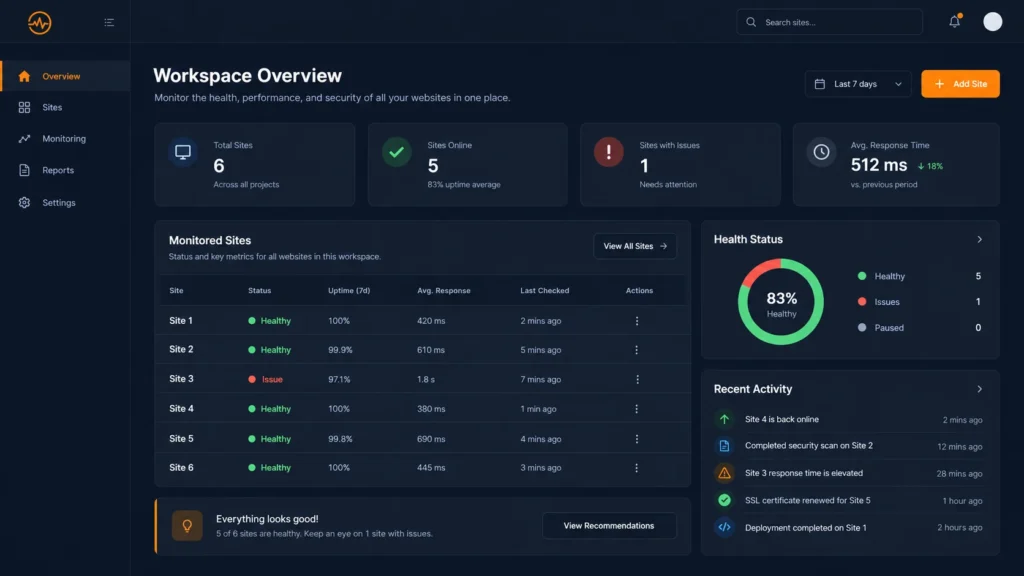
Managing multiple client websites is not just a monitoring problem. It is an operations problem. As an agency grows, the difficult part is no longer checking whether one website is online. The difficult part is knowing which client needs attention first, what changed, who owns the follow-up, and how to turn technical findings into clear client communication.
This workflow gives agencies a practical way to manage a growing website portfolio without relying on scattered spreadsheets, inbox alerts, browser tabs, and memory.
1. Start with one portfolio view
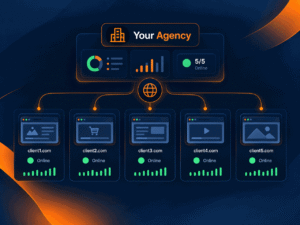
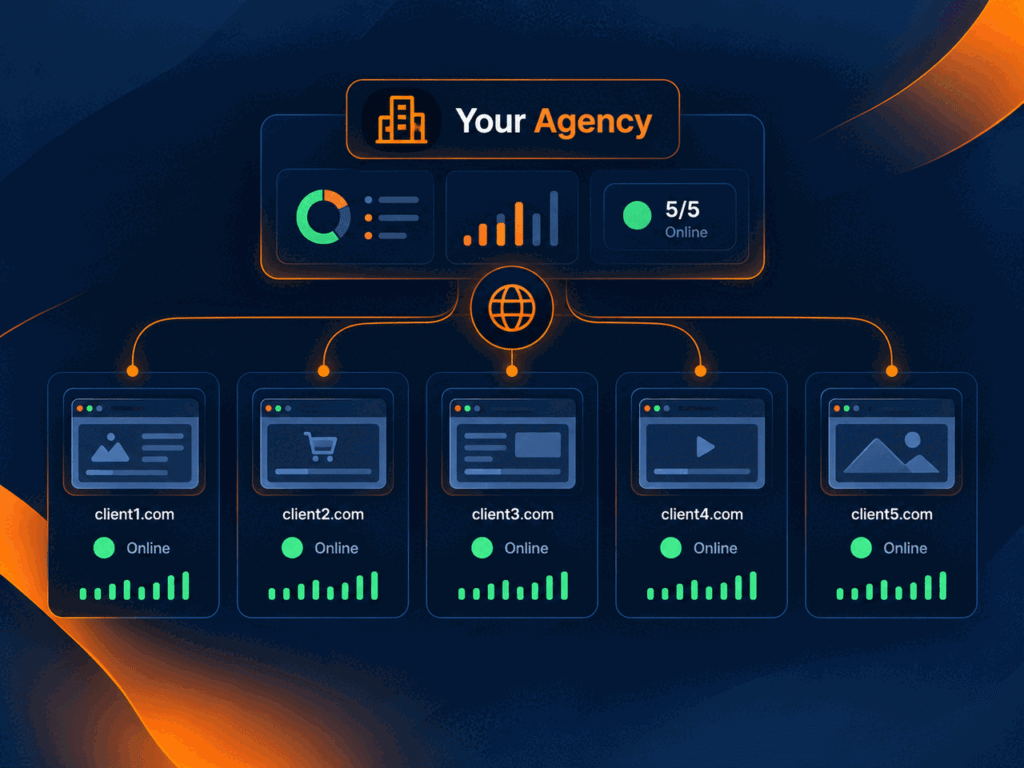
The first step is to stop treating every website as a separate project. Keep a single portfolio view that shows the websites you manage, their current status, recent issues, important technical signals, and the next action required.
A centralized website monitoring workflow for agencies makes it easier to compare sites and spot exceptions instead of manually checking every client one by one.
2. Separate continuous monitoring from scheduled review
Not every check needs the same cadence. Availability, SSL, and critical breakage are best monitored continuously. Technical SEO, analytics, forms, content quality, and client-reporting checks can follow a daily, weekly, or monthly review cycle depending on the service plan.
| Area | Typical cadence |
|---|---|
| Uptime and availability | Continuous |
| SSL and critical technical alerts | Continuous or daily |
| Technical SEO review | Weekly to monthly |
| Forms and conversion paths | Weekly to monthly |
| Content and internal links | Monthly |
| Client reporting | Monthly or service-based |
3. Triage issues by business impact
Agencies lose time when every alert is treated as equally urgent. A broken homepage, expired certificate, noindex on a money page, and a missing image alt attribute should not enter the same queue with the same priority.
A useful triage model is:
- Critical: website unavailable, major conversion path broken, SSL failure, or severe launch issue.
- High: indexing block, broken canonical, analytics failure, or important page error.
- Medium: performance regression, metadata issue, broken internal link, or structured-data problem.
- Low: cosmetic cleanup, non-critical copy issue, or routine optimization opportunity.
4. Keep technical SEO connected to monitoring
Website operations and technical SEO overlap. Template edits, migrations, plugin updates, CMS changes, and content releases can affect canonicals, robots directives, metadata, schema, redirects, and crawlability.
Agencies should therefore connect portfolio monitoring with a repeatable technical SEO monitoring process rather than waiting for the next full audit to discover a regression.
5. Record evidence before assigning work
An alert is more useful when it includes enough context for someone else to act. Record the affected URL, observed issue, severity, time detected, expected behavior, and evidence such as a screenshot, response status, or saved scan result where available.
This reduces the back-and-forth between SEO, development, account management, and the client.
6. Give every issue an owner and next action
Monitoring without ownership creates noise. Every important issue should have a clear next step: investigate, fix, ask the client, send to development, retest, or close as informational.
For a multi-client agency, the operational question is not only “What is wrong?” It is “Who is responsible for moving this forward?”
7. Retest after fixes
Closing a ticket because someone says the fix is complete is risky. Retest the affected URL or workflow and confirm the expected result. This is especially important for redirects, forms, launch QA, indexability, tracking, and performance-sensitive changes.
8. Turn findings into client-ready communication
Clients usually do not need a raw list of every technical signal. They need a concise explanation of what changed, why it matters, what was fixed, and what the agency recommends next.
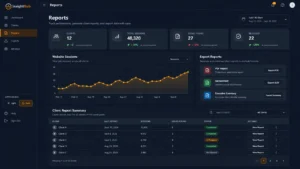
That is why monitoring works best when it connects directly with client reporting. The same evidence used internally can support clearer reports, recommendations, and follow-up conversations.
9. Use a repeatable monthly review
A simple monthly operating review can cover:
- Sites with downtime or recurring incidents.
- Critical and high-priority technical issues.
- Technical SEO changes since the previous review.
- Performance or conversion-path regressions.
- Open issues waiting on the client or development team.
- Completed fixes that still need retesting.
- New opportunities worth including in a proposal or care-plan upgrade.
The website maintenance checklist for agencies can be used as the recurring review baseline.
10. Build the workflow before adding more clients
The best time to standardize website operations is before the portfolio becomes difficult to manage. A repeatable system for monitoring, triage, ownership, retesting, and reporting allows the agency to add clients without multiplying operational chaos.
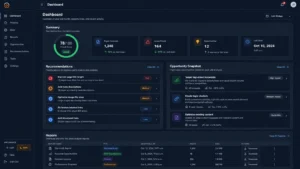
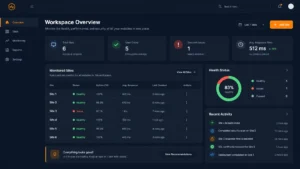
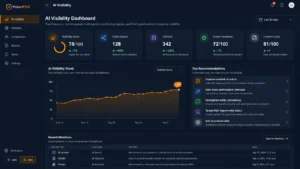
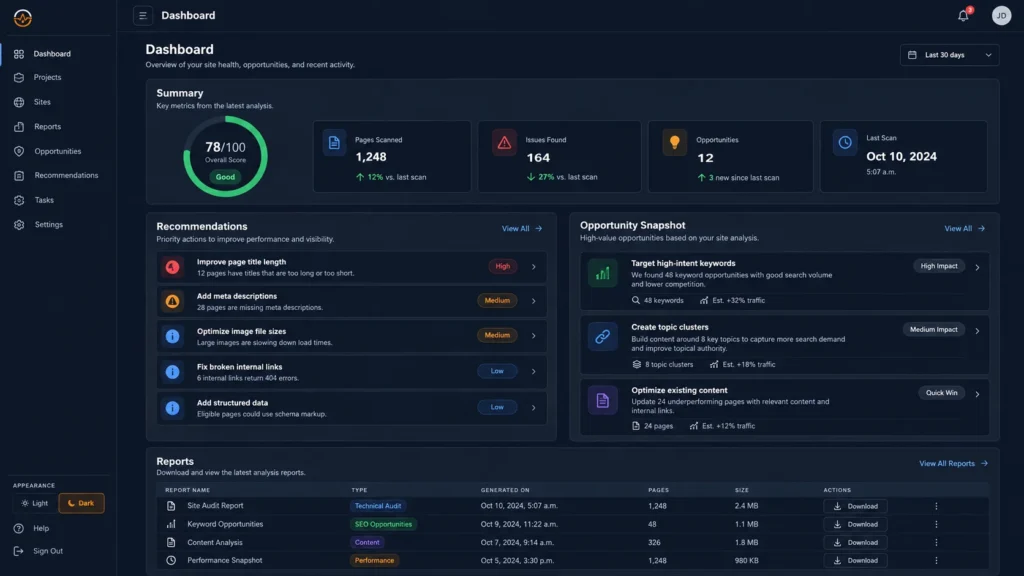
PulseWMS is built around this workflow: bring website health, technical review, client reporting, and follow-up into one organized workspace so teams can move from detection to action with less tool switching.
Quick multi-client monitoring checklist
- Keep all managed websites in one portfolio view.
- Monitor critical availability signals continuously.
- Review technical SEO and conversion paths on a schedule.
- Prioritize issues by client and business impact.
- Attach evidence before handing work off.
- Assign one owner and one next action.
- Retest before closing important issues.
- Turn technical findings into clear client updates.
- Run a recurring portfolio review.
Explore PulseWMS to see how agency website operations can be organized in one workspace.